SaaS template
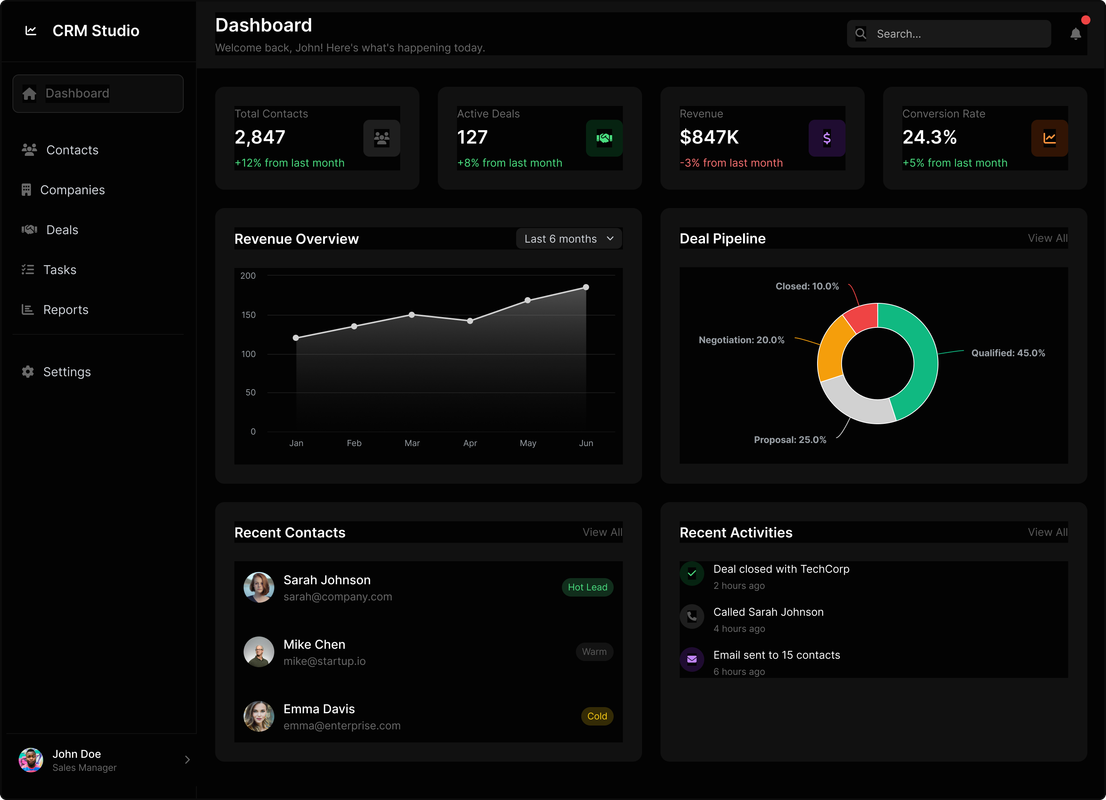
A dark landing page template with a navbar, a hero, and a product screenshot.
Give your big idea
the website it deserves
Landing page kit template with React, Shadcn/ui and Tailwind
that you can copy/paste into your project.

Loading component source...
Installation
pnpm dlx shadcn@latest add mox/mox-ui/saas-templateRun this command from your project directory to add the component and its dependencies.
- 1
Install the packages
pnpm add lucide-react clsx tailwind-merge - 2
Add the utility file
lib/utils.tsimport { clsx, type ClassValue } from "clsx";import { twMerge } from "tailwind-merge"; export function cn(...inputs: ClassValue[]) { return twMerge(clsx(inputs));} - 3
Copy and paste the code into your project
Loading source… - 4
Update the import paths to match your project
Point
@/lib/utilsto your utility file if your path aliases differ.
Usage
import SaasTemplate from "@/components/ui/saas-template";
export default function Page() {  return <SaasTemplate />;}
Props
| Prop | Type | Default | Description |
|---|---|---|---|
className | string | Default: - | Extra classes merged onto the root element. |
The hero fades in on load. On narrow screens, open the menu to reach the links and sign-in buttons. Get started grows on hover.
Credits and license
Most components here are recreations of great work from around the web. I don't claim to be the original creator - this is my attempt to reverse-engineer, replicate, and often add a few extra features. I've tried to credit everyone; if I missed someone, let me know.
- Free to use and modify in both personal and commercial projects.
- Attribution to Mox UI is appreciated when using a component.
- Please don't resell the components as your own kit.